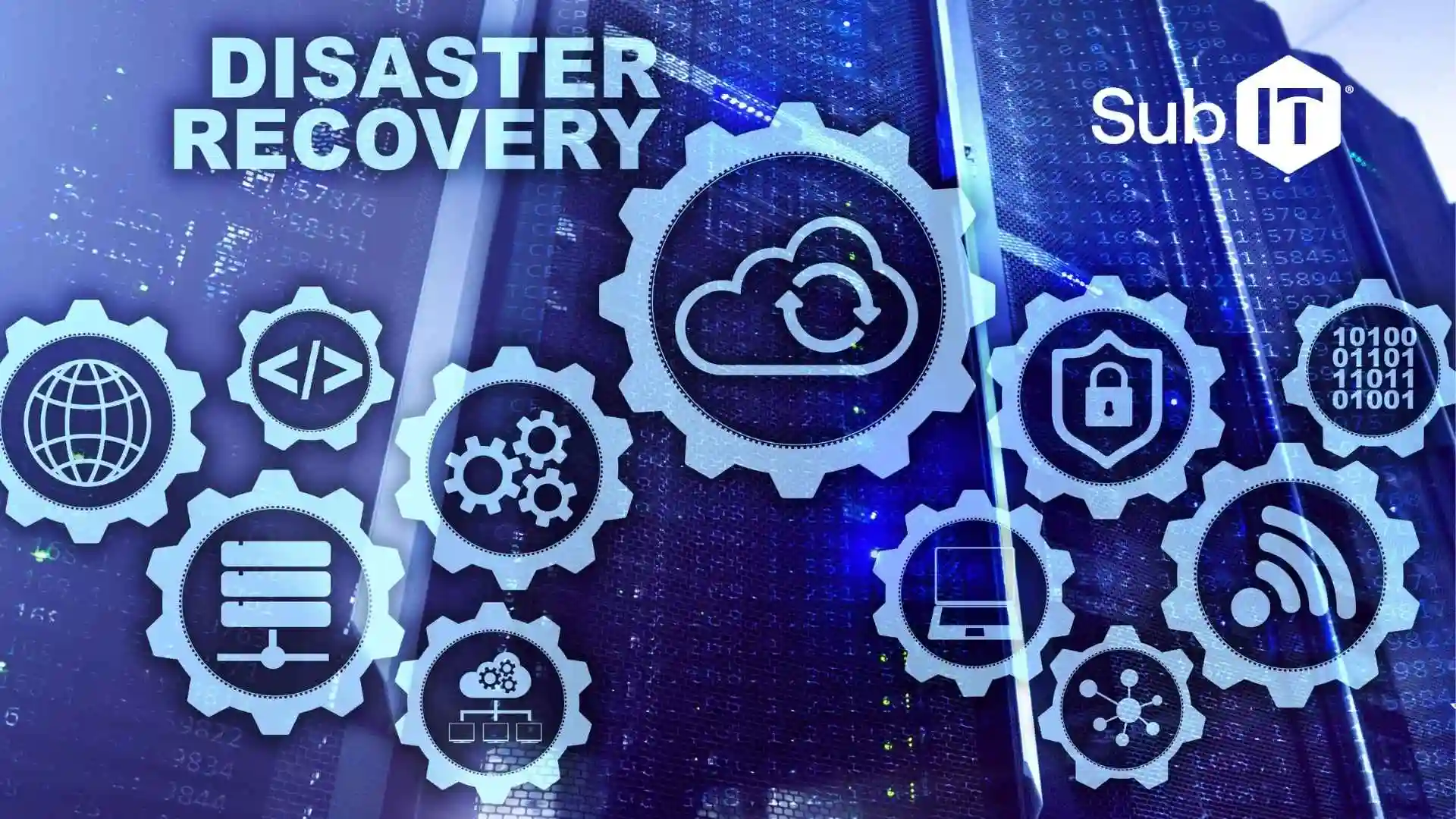
When business owners research DRaaS, they want a straightforward explanation of how it keeps their operations running during outages, cyberattacks, or system failures.
DRaaS provides a cloud-based failover environment that allows organizations to continue working even when their primary systems go down. This can minimize downtime, data loss, and operational disruption.
For small and mid-sized businesses, understanding how DRaaS works and what it protects is the first step toward building a reliable continuity strategy. SubIT helps organizations evaluate, implement, and manage DRaaS solutions that align with their operational and security needs.
What Is DRaaS?
Disaster Recovery as a Service (DRaaS) is a fully managed solution that protects your critical systems by continuously replicating them to a secure cloud environment. If your onsite systems fail, DRaaS allows your organization to fail over to the cloud and keep working with minimal disruption.
Unlike basic backups (which only copy files), DRaaS protects:
- Servers
- Applications
- Databases
- Network settings
- User access
Why Businesses Are Turning to DRaaS
Disruptions are no longer rare events. Ransomware, hardware failure, power outages, human error, and even routine software updates can unexpectedly halt operations.
According to multiple industry reports, downtime costs small and mid-sized businesses tens of thousands of dollars per hour when you account for:
- Lost revenue
- Staff productivity
- Customer dissatisfaction
- Compliance or security exposure
This is why more organizations are moving beyond traditional backups and adopting DRaaS, a modern, cloud-based approach to staying operational, even when the unexpected happens.
Traditional Backups vs. DRaaS: What’s the Difference?
Many small businesses think backups equal disaster recovery. Unfortunately, that’s not the case.
Backups
- Copy your files to another location
- Often run once per day
- Require manual restoration
- Can take days or weeks to rebuild servers
- Do not guarantee operational continuity
DRaaS
- Continuously replicates your entire system
- Allows near-instant failover
- Restores full servers and applications
- Keeps your staff working
- Minimizes downtime and data loss
If backups are a “spare tire,” DRaaS is the “full roadside rescue team.”
How DRaaS Protects Your Business
While the mechanics can be complicated, the workflow for DRaas is straightforward. Here’s how it works:
1. Continuous Replication
Your critical servers and data are synced in real-time or near-real-time to a cloud-based recovery environment.
2. Secure Cloud Hosting
The DRaaS provider stores your replicated systems in a geographically separate data center with enterprise-grade security.
3. Failover (When Disaster Happens)
If your primary systems go down, your organization switches to the cloud environment and keeps operating.
4. Failback (When Systems Are Restored)
Once your onsite environment is back online, your provider syncs everything back and returns operations to normal.
5 Key Benefits of DRaaS for Small and Medium Businesses
- Drastically Reduced Downtime: Because failover is nearly instant, your team can keep working even if your onsite servers are down.
- Cost-Effective Protection: You avoid the expense of building and maintaining a secondary physical data center.
- Fully Managed by IT Professionals: Your MSP or provider handles configuration, monitoring, testing, and updates.
- Scalable as You Grow: Add or remove servers as needed. No major infrastructure changes are needed.
- Necessary for Cybersecurity & Compliance: DRaaS adds a vital layer of resilience against ransomware, data corruption, and system failures.
How a Managed Service Provider (MSP) Helps You Implement DRaaS
Many businesses assume DRaaS is a “turn it on and forget it” tool. In reality, a successful disaster recovery strategy requires planning. A managed IT provider typically guides you through:
1. Identifying Critical Systems (RTO & RPO)
Two key metrics shape your disaster recovery plan:
- RTO (Recovery Time Objective):
How quickly you must be back online. - RPO (Recovery Point Objective):
How much data you can afford to lose.
An MSP helps you define realistic objectives based on your operations, compliance needs, and budget.
2. Designing the Right DRaaS Solution
Your MSP evaluates:
- Which servers need full failover
- Your data change rate
- Bandwidth requirements
- Application dependencies
- Security and authentication needs
This makes sure your recovery environment mirrors your production environment accurately.
3. Deployment & Configuration
A typical DRaaS rollout includes:
- Installing replication agents
- Performing an initial data sync (“seeding”)
- Setting up cloud networking and security
- Automating incremental replication
Your MSP handles the technical heavy lifting.
4. Routine Testing & Validation
A disaster recovery plan is only effective if it has been tested. Best practice includes:
- Tabletop exercises
- Isolated failover tests
- Recovery runbooks
- Verification of applications and user access
MSPs schedule and run these tests to confirm resilience.
Frequently Asked Questions About DRaaS
Is DRaaS too expensive for small businesses?
DRaaS is significantly more affordable than maintaining a secondary data center—and far cheaper than extended downtime.
Do I still need backups if I have DRaaS?
Yes. Backups and DRaaS serve different purposes and work best together.
Will my staff need training?
Minimal training is required. An MSP handles the technical side, while your team follows a simple communication plan if failover occurs.
Is my data safe in a DRaaS environment?
Reputable providers use secure, compliant, geographically redundant facilities with end-to-end encryption.
Is DRaaS Right for Your Business?
If your business depends on access to data, applications, or digital workflows, DRaaS is a vital layer of protection against downtime, cyberattacks, and unexpected system failures. It makes sure your organization can keep operating, serving customers, and protecting revenue even when disruption strikes.
SubIT helps businesses design, implement, and manage DRaaS solutions tailored to their operational needs, compliance requirements, and budget.
If you’re ready to strengthen your business continuity strategy, contact SubIT today to discuss the right DRaaS approach for your organization.